Get Started
Company
Copyright © 2022. Logaholic Web Analytics BV

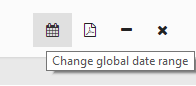
To adjust your opened reports in your dashboard to a certain date range, you can click the “Date range” icon in the top menu (see image below).
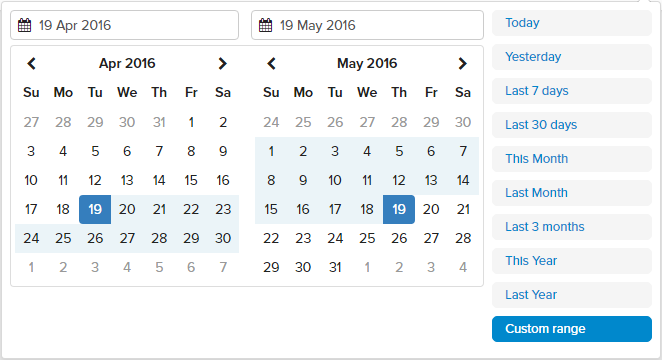
You can choose from one of the ten preset date ranges from the “QuickDate” drop-down menu (e.g. “Today,” “This Month,” “Last 30 Days,” etc.) or enter a specific date range in the “from” and “to” fields.
It is also possible to select a certain date range for an individual report. You can do this by editing the report settings when opening a report, or by clicking the settings icon in the right hand corner of the opened report.