Get Started
Company
Copyright © 2022. Logaholic Web Analytics BV

The next step after successfully installing or signing up to Logaholic Web Analytics software is to configure your default domain profile. The information gathered during the steps of the configuration process includes your website’s domain name and location, which pages of your website you wish to analyze, how you want the data collected, as well as advanced reporting options. You can update this information as often as necessary as your website grows, your website traffic changes, you incorporate new marketing strategies, or your analysis requirements change.
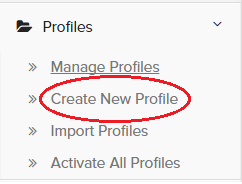
From the “Profiles” tab, you can start creating your new default Logaholic profile at the “Create New Profile” option in the drop down menu.
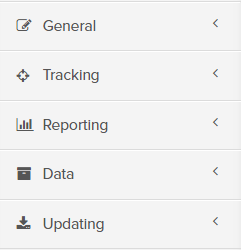
Detailed information on each of the Profile Configuration tabs is available by clicking on the corresponding name below.
You can edit a Logaholic Profile by clicking on the “Manage Profiles” tab, locating the profile name in the list that displays, then selecting the “Edit” button for the selected profile. See image below.
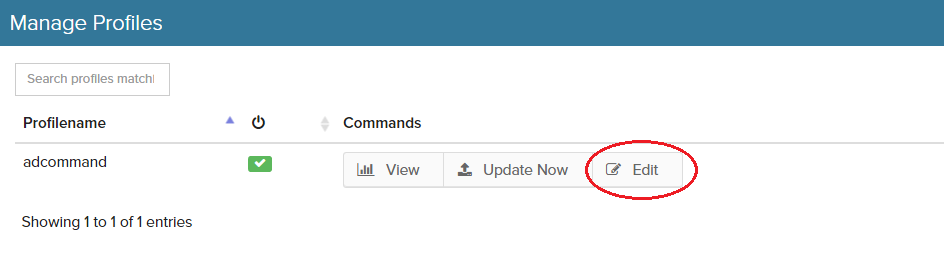
This method will open the first of the configuration tabs, “General” where you can update your profile as necessary.